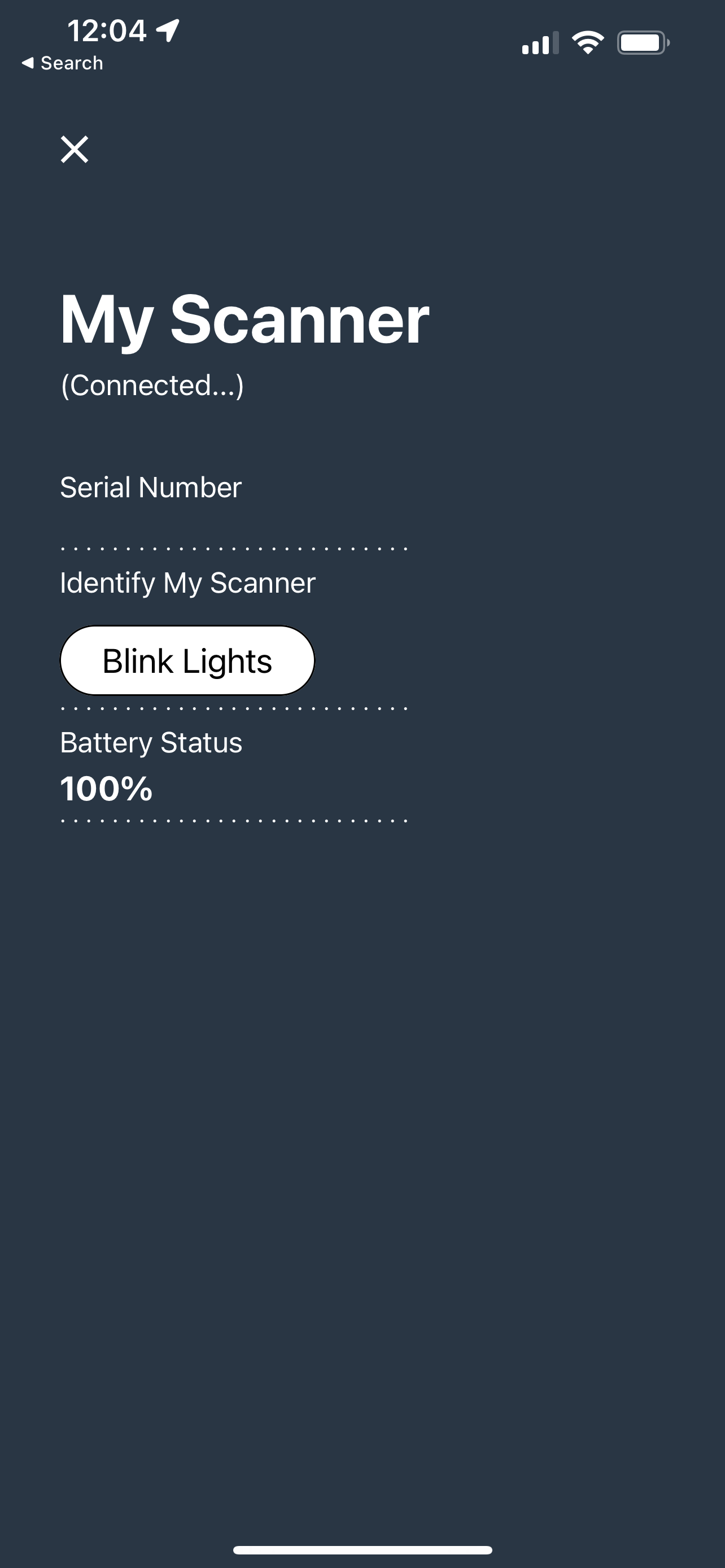
From the home screen of the Besanna app, tap the menu at the top right then My Scanner. Wake up your scanner by touching both of the sensors for a minimum of 5 seconds. Ince the scanner is on, the battery status will be shown.
If you are in an area with multiple scanners, you can tap on Identify My Scanner to blink the lights of your scanner.